01
What the app does
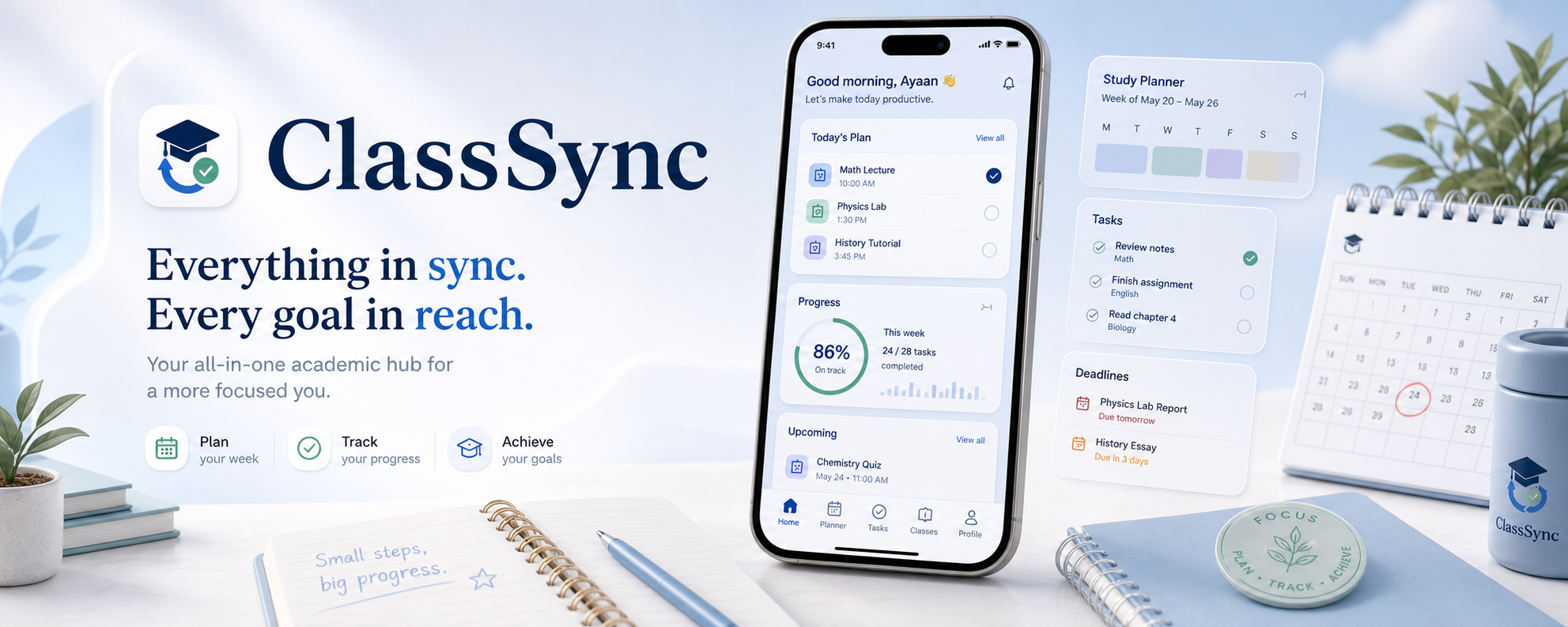
ClassSync is a local-first academic organization app for Android. It brings together Google Classroom coursework, announcements, materials, optional Gmail-based reminder discovery, manual tasks, planner views, widgets, exam planning, and study planning inside a single student workspace.
The app does not currently operate a custom backend that centrally stores synced academic content for users.
02
What information is accessed
- Google account email address and basic sign-in session details
- Google Classroom read-only academic data such as courses, coursework, announcements, and materials
- Optional Gmail read-only message content that matches academic sync rules
- Manually entered tasks and planner data
- Local app preferences such as theme, reminders, sync settings, digest settings, and onboarding state
- Generated local exports such as CSV and JSON task files when triggered by the user
03
How data is used
- Google sign-in
- Used to authenticate the user and enable the Classroom and optional Gmail features they choose to connect.
- Academic sync
- Used to convert Google Classroom activity and optional Gmail reminders into local events, tasks, planner views, widgets, and reminders.
- On-device classification
- Used to support rule-based and local ML-assisted categorization of academic updates into clearer task and event types.
04
Optional and required access
- Google Classroom sync is optional app functionality, but it becomes the primary academic feed when enabled.
- Gmail sync is optional and can be turned off independently.
- Notifications are optional, but disabling them prevents reminders, due-soon alerts, and digest notifications from being delivered.
- If a user does not enable a feature, ClassSync should not use the related source for that feature.
05
Sharing and third parties
ClassSync does not sell personal data and does not run a separate backend that stores synced academic content for users.
- Google sign-in services are used for authentication
- Google Classroom API is used for read-only academic sync
- Gmail API is used for optional read-only academic reminder discovery
- Task exports are written to the user's device only when the user explicitly triggers them
- Exported files may remain on the device until the user deletes them
06
Local storage and security
ClassSync stores synced tasks, academic events, planner state, exam-related state, reminder settings, digest preferences, and onboarding settings locally on the device.
- Google API traffic uses HTTPS/TLS in transit
- Sign-in session details are stored in encrypted local preferences where supported by the runtime
- The app is designed to keep study data local-first by default
- The product avoids unnecessary public endpoints for private academic content
07
Permissions
INTERNET for Google sign-in, Gmail, and Classroom servicesACCESS_NETWORK_STATE to manage sync behavior based on connectivityPOST_NOTIFICATIONS for reminders, digests, and due-soon alerts
The app does not currently request contacts, location, microphone, camera, SMS, call log, photo library, or background location permissions.
08
On-device machine learning
ClassSync may use an on-device TensorFlow Lite model to help classify academic events into categories such as due date task, announcement only, material only, exam or test information, submission instruction, and grade or feedback.
This logic runs locally inside the app runtime and works alongside deterministic rule-based classification and fallback policies.
09
Retention and user controls
ClassSync retains locally stored data on the device until the user deletes specific tasks or academic data, signs out and clears local state, clears app data, or uninstalls the app.
- Sign out of Google
- Disable Gmail sync
- Disable Classroom sync
- Disable background sync
- Disable notifications
- Delete local academic data through available app flows
10
Privacy requests, children, and updates
For privacy questions, deletion guidance, or to raise a privacy grievance related to the published app, contact tech@donum.in.
ClassSync is intended as a general student productivity app and is not designed as a child-directed service under Google Play Families policies unless explicitly declared otherwise in the Play Console.
This policy will be updated before release whenever new permissions, backend storage, or sharing behavior are introduced.