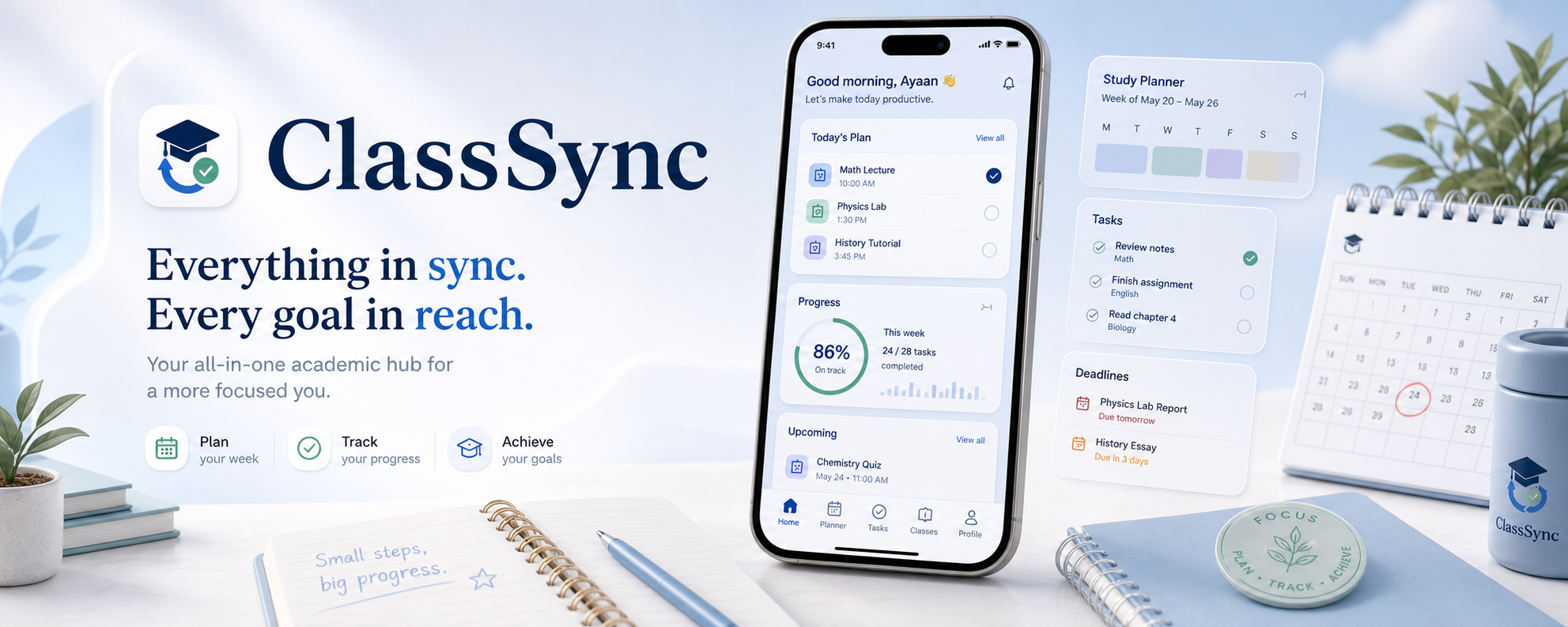

ClassSync
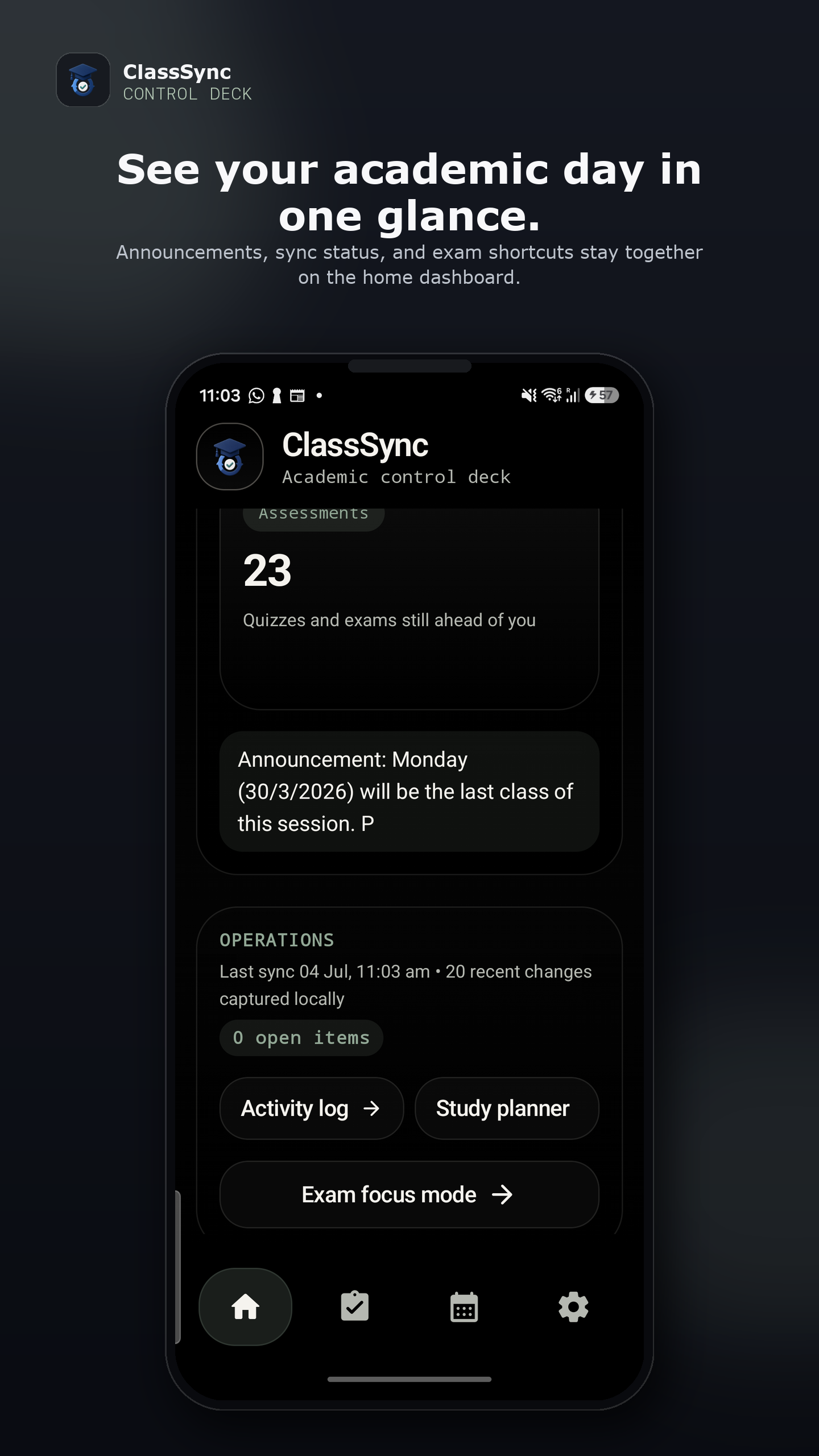
Academic control deck
Everything academic, finally in sync.
ClassSync is an Android-first academic workspace built for students who want Google Classroom, optional Gmail reminders, manual tasks, planner views, study planning, widgets, and exam workflows in one local-first system. The product is designed to reduce scattered academic surfaces and bring deadlines, materials, and action items into a cleaner operating layer.
Why ClassSync is unique
Built like an academic operating layer, not just another task list.
Most education apps stop at one narrow workflow. ClassSync is different because it treats academic updates as a continuous flow: Classroom sync feeds local event intelligence, optional Gmail catches academic reminders, and the result lands across tasks, planners, widgets, study lanes, and exam surfaces without forcing the student to jump between disconnected tools.
Academic state is kept on-device so the app can work like a personal workspace instead of a backend-heavy dashboard.
It does not just display Classroom data. It converts academic activity into planning views, task queues, reminders, and widget-ready summaries.
Gmail is treated as an optional academic signal layer for reminder capture rather than the center of the product.
Home, tasks, planner, study planner, and exam mode are shaped around how students actually pace coursework through a semester.
The app surface extends beyond the app itself with a home screen widget that reflects the current academic pressure and focus state.
Rules and on-device classification work together so trusted academic patterns stay stable while messier updates still become usable signals.
Product walkthrough
Six surfaces, one academic rhythm.
The showcase moves from overview to momentum, from task flow to planning range, and finally out to the widget layer that keeps ClassSync present beyond the app itself.
System blueprint
Inside the system, beyond the interface.
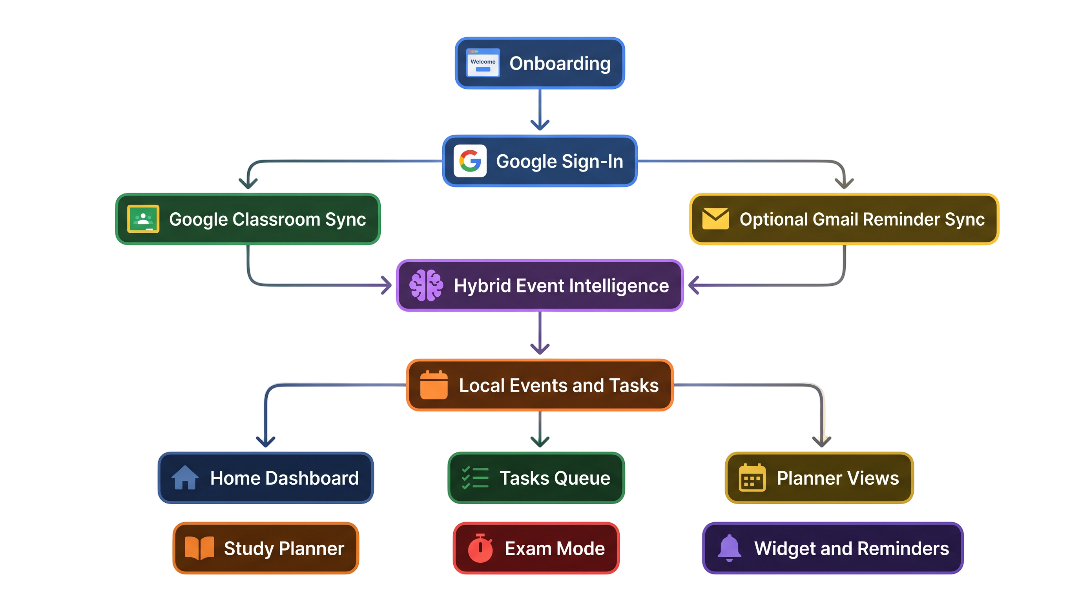
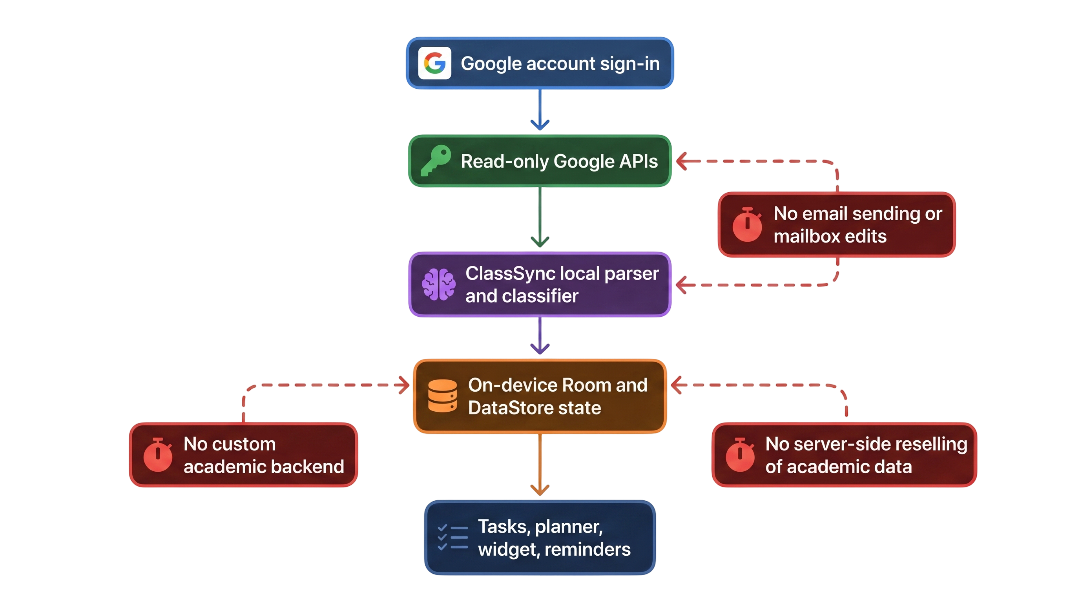
These diagrams frame the product as an operating model: where academic inputs enter, how local intelligence shapes them, and where the trust boundary deliberately stops.
Classroom and optional Gmail feed the local event engine, which then powers tasks, planners, widgets, and reminders.
This clarifies the trust boundary: ClassSync reads academic inputs, organizes them locally, and does not present itself as a custom cloud backend.
Connected public pages
Three entry points, one public presence.
Each page serves a different need, but together they present one consistent public face for review, distribution, and trust.
The public front door for ClassSync, with brand context, screenshots, and product flow explanation.
Open home pageExplains Google sign-in, Classroom access, optional Gmail reminder discovery, local storage, exports, and user controls.
Open privacy policySets out platform scope, beta expectations, acceptable use, reliability limits, and contact information.
Open terms of service